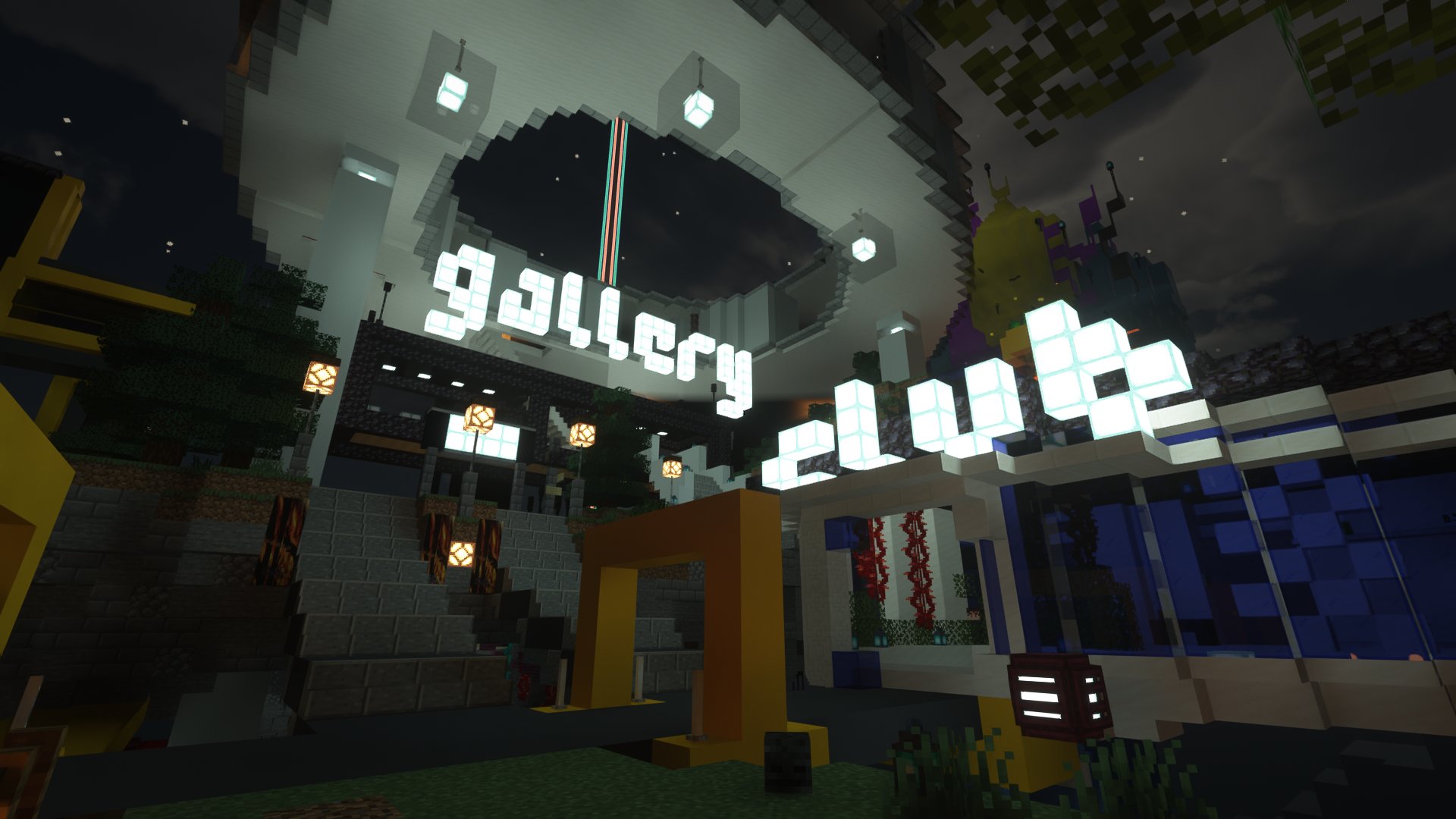
Connecting to the server
What device do you want to use to visit the museum?
A computer
- Launch the latest version of Minecraft Java Edition.
- In the main menu, go to Multiplayer
- Click Add Server
- In the Server Name field, enter anything you want
- In the Server Address field, enter
melon.computer - Click Done
- Select the server from the list, then click Join Server
A phone or tablet
- Install Minecraft from the App Store, Play Store or similar.
- In the main menu, tap Play
- Go to the Servers tab
- Tap the Add Server button in the sidebar
- In the Server Name field, enter anything you want
- In the Server Address field, enter
bedrock.melon.computer - In the Port field, enter
25882 - Tap Add and Play